
Hack a Gmail Account: Hacking Methods and Recover Lost Password
WARNING: For educational purposes only
This page explains how hackers operate to help you better protect yourself. Any malicious use is strictly prohibited. Learn how to hack a Gmail account to better protect yourself, recover a lost Gmail password, and secure your email against hackers.
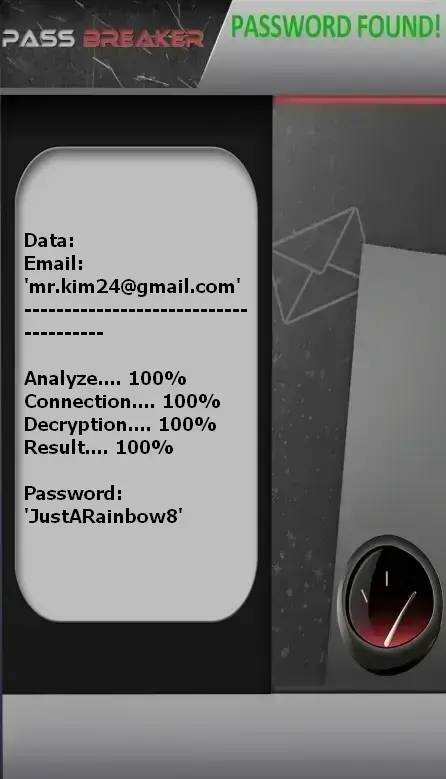
PASS BREAKER
Here’s how to recover access to a Gmail account using an email address:
- Access the platform via this link: https://www.passwordrevelator.net/en/passbreaker
- Open the application and enter the Gmail address in question
- The tool analyzes the data and displays the associated login credentials
Note: You can repeat this operation for as many accounts as needed, with no restrictions.
Why do hackers want to hack a Gmail account?
Understanding why hackers seek to hack a Gmail profile and recover compromised accounts is essential for your protection. Gmail is a prime target for cybercriminals:
- Gateway to all your accounts: Password resets via email
- Confidential documents: Attachments, contracts, personal information
- Access to Google services: Drive, Photos, Calendar, Google Pay
- Complete history: Professional and personal conversations
- Financial data: Invoices, bank statements, payment details
How hackers hack a Gmail account: The 6 most common hacking methods
Discover the techniques used to hack a Gmail account and how to recover a hacked account. These methods explain why so many people ask "how to hack a Gmail account" and seek solutions to recover their hacked account.
1. Phishing
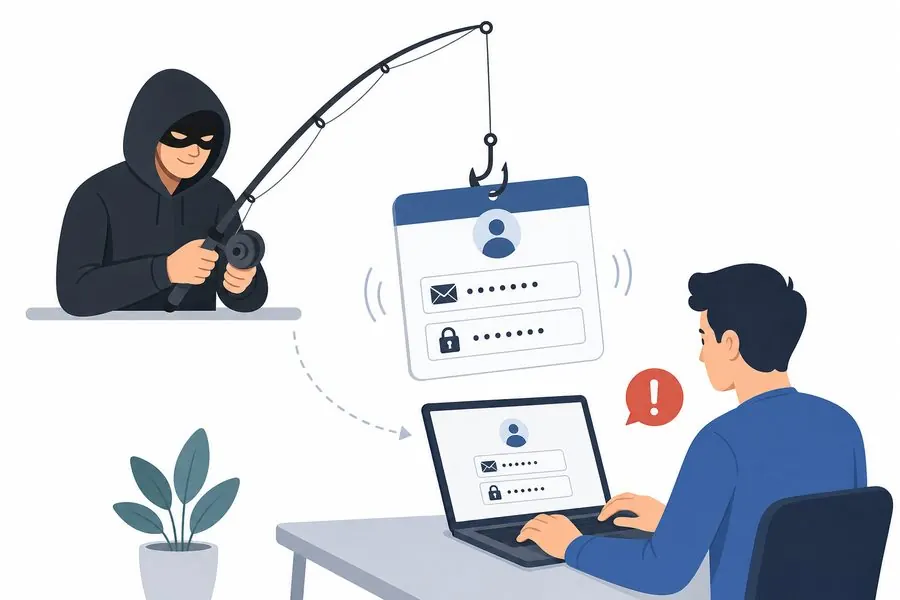
Attackers send fake emails impersonating Google (e.g., "Security Alert").
How it works:
- Urgent email: "Verify your account"
- Link to a fake Gmail login page
- Theft of password and credentials
- Redirect to the official page
2. Social Engineering
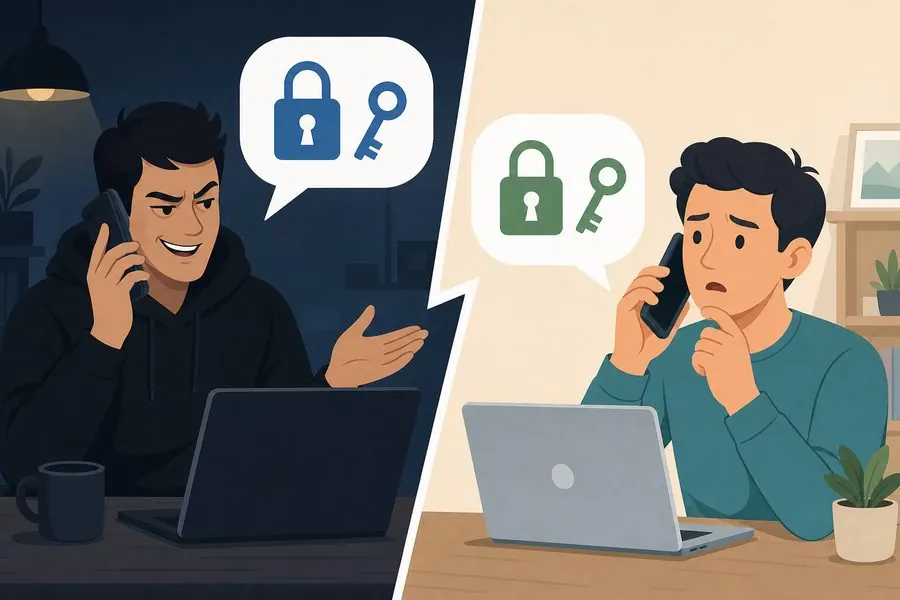
Attackers impersonate Google support or trusted contacts.
Techniques used:
- "Google Support: Confirm your password"
- "Friend in distress: Need urgent email access"
- Fake Google contests with attractive prizes
- Fictitious security alerts
3. Malicious Applications

Third-party apps requesting access to your Google account.
Infection vectors:
- Malicious Chrome extensions
- Unverified mobile apps
- Suspicious productivity tools
- Games requesting Gmail access
4. Keylogging

Covert recording of all your keystrokes.
Process:
- Installed via pirated software or malicious email
- Captures all entered credentials
- Sends data to the attacker
- Grants direct account access
5. Password Reuse

Exploiting data breaches from other sites.
Consequence:
- Data leak on a third-party site
- Same password tested on Gmail
- Instant access if email is known
- Domino effect across all accounts
6. Session Hijacking

Interception of active login cookies.
Risks:
- Connecting on unsecured public Wi-Fi
- Browsing compromised websites
- Stealing authentication cookies
- Access without needing a password
7 effective protection strategies
1. Unique and complex passwords
- 14+ characters, mix of character types
- Never reuse passwords across sites
- Avoid personal information
- Use a password manager
- Change if in doubt
2. Two-factor authentication (2FA)
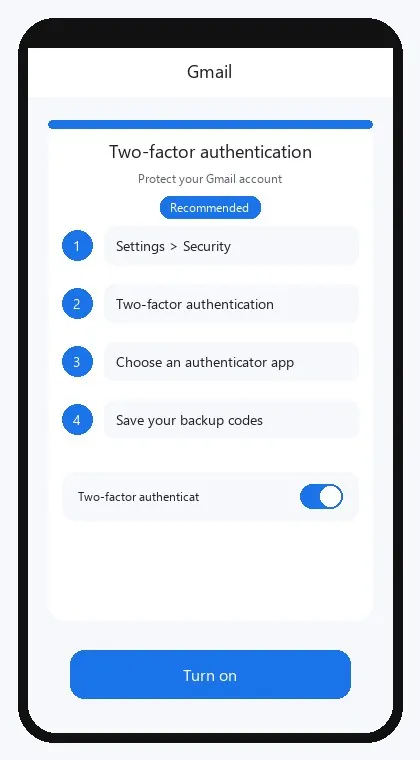
- Enable in Google Account > Security
- Use Google Authenticator or similar app
- Avoid SMS as the sole factor
- Store backup codes securely
- Monitor login alerts
3. Google Security Checkup
- Visit security.google.com regularly
- Review connected devices
- Check recent security events
- Audit third-party app permissions
4. Third-party apps
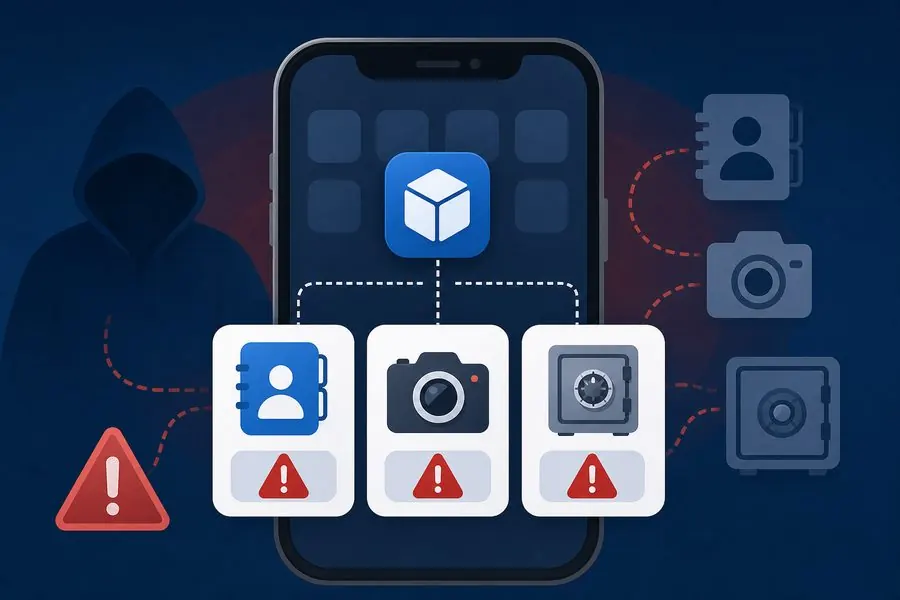
- Regularly review connected apps
- Remove unnecessary permissions
- Beware of Chrome extensions
- Verify legitimacy before granting access
5. Anti-phishing vigilance
- Google never asks for your password via email
- Always verify the URL before logging in
- Beware of urgent emails
- Enable advanced phishing protection
6. Device security
- Keep antivirus updated on all devices
- Browse securely with HTTPS
- Avoid public Wi-Fi for sensitive logins
- Regularly update your operating system
7. Recovery information
- Keep phone number up to date
- Use a separate, secured recovery email
- Set complex answers to security questions
- Save recovery keys securely
What to do if your Gmail account is hacked?
Act immediately:
- Recover your account via accounts.google.com/signin/recovery
- Change your password immediately
- Check security and forwarding settings
- Review recent account activity
- Audit authorized third-party apps
- Report the hack to Google
- Alert your contacts about potential fraudulent emails
- Enable 2FA if not already active
FAQ – Frequently Asked Questions
Can Gmail be hacked without a password?
Yes—through session hijacking or malicious third-party apps—but these methods are more complex.
Does Google detect suspicious logins?
Yes, Google alerts you when logging in from a new device or unusual location.
Is two-factor authentication really effective?
Yes—it blocks the majority of hacking attempts, even if your password is compromised.
How can I tell if my Gmail has been hacked?
Check your login history, emails sent without your action, and unexpected setting changes.