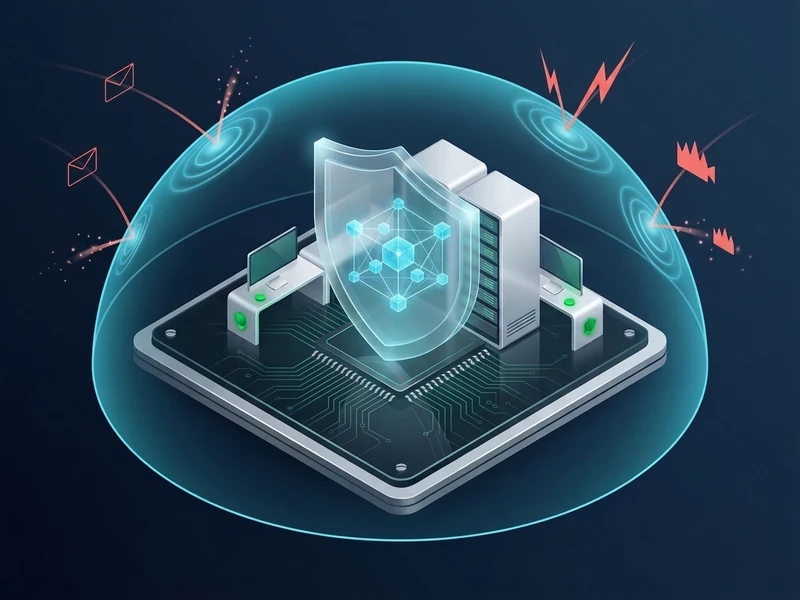
Understanding real intrusion mechanics is the fastest way to lock down accounts against AI-armed hackers
Generative AI and GPU automation have reshaped how attackers target everyday email inboxes, social profiles, wireless networks, and Windows workstations. Phishing lures no longer suffer from broken grammar: adversaries automate personalized spear-phishing messages, clone executive voices, harvest OAuth consent tokens, and deploy Evil Twin wireless traps at scale.
Authored by IA-KAR engineers, this reference hub connects our ten practical security and legitimate recovery guides into one structured defensive playbook for individuals, IT administrators, and SMB leaders.
1. Hardening Work & Personal Email (Gmail, Microsoft Outlook, Yahoo)
Your email inbox acts as the master key to banking, SaaS portals, and password resets. Attackers increasingly deploy LLMs to impersonate colleagues, suppliers, or security alerts with flawless precision. Our technical walkthrough on protecting Gmail and Google Workspace from AI phishing and session theft covers fake 2FA prompt detection, Passkeys, and connected-app governance.
In corporate networks, Microsoft 365 and Exchange face surging Business Email Compromise (BEC) and illicit OAuth consent grants that create hidden inbox forwarding rules. Review our dedicated breakdown of Outlook security risks, OAuth hijacking, and enterprise hardening to lock down legacy IMAP/POP protocols and audit tenant permissions.
Long-standing accounts also remain prime targets for automated credential stuffing across historic breach databases. Follow the defensive steps in our guide to securing Yahoo Mail, spotting leaked passwords, and revoking unauthorized sessions before a secondary inbox becomes a pivot point.
- Upgrade from SMS two-factor codes to an authenticator app or FIDO2 hardware key.
- Audit mail forwarding rules, delegates, and authorized OAuth apps every month.
- Keep recovery email addresses strictly isolated from day-to-day public signups.
3. Defending WiFi Networks & Windows Workstations
Infrastructure exposure extends beyond cloud logins to local wireless perimeters and physical hardware. Portable rogue access points broadcast Evil Twin SSIDs while GPU rigs run AI-curated password dictionaries against captured WPA2 handshakes. Inspect practical router, encryption, and segmentation defenses in our WiFi security and Evil Twin prevention guide.
On Windows endpoints, AI-obfuscated infostealers harvest browser session cookies while unencrypted drives remain vulnerable to offline local recovery or boot-level tools. Understand both legitimate lock-recovery safeguards and full hardware defense (BitLocker, TPM, UEFI locks) in our guide on Windows account security, BitLocker encryption, and local access hardening.
- Enforce WPA3 (or strict WPA2-AES) and permanently disable WiFi Protected Setup (WPS).
- Enable BitLocker full-disk encryption with TPM and lock BIOS/UEFI boot order.
- Separate corporate workstations from guest and BYOD wireless traffic.
4. 5-Minute Incident Checklist & Scaling to Enterprise Defense
If an account shows unfamiliar sign-ins or modified recovery details: (1) revoke all active sessions from a clean device, (2) set a unique passphrase stored in a password manager, (3) remove unknown OAuth apps and inbox rules, and (4) scan the endpoint for infostealers before signing back in.
For SMBs, municipalities, and multi-site organizations, protecting individual accounts must pair with domain-wide governance aligned with our security and quality commitments. Explore IA-KAR AI Cybersecurity & Infrastructure Protection Services (covering Active Directory hardening, KAR Server endpoint control, and sovereign on-premise AI), or benchmark your organization in 60 seconds with our free AI Security Self-Assessment.
- Always secure your primary recovery inbox first during incident triage.
- Replace unapproved public cloud chatbots with sovereign local AI to prevent Shadow AI leaks.
Quick Risk Matrix: AI Threat Vectors & Priority Defenses
| Target Asset | AI-Accelerated Attack Vector | Priority Hardening Control | Detailed Guide |
|---|---|---|---|
| Email (Gmail, Outlook, Yahoo) | Zero-typo LLM spear phishing, BEC wire fraud, OAuth token theft | FIDO2/Passkeys, forwarding rule audits, OAuth app restrictions | Gmail Security · Outlook / M365 · Yahoo Mail |
| Social Media (Meta, TikTok, X, Snap) | Synthetic support bots, voice/video deepfakes, cookie hijacking | App-based MFA (no SMS), device session audits, admin role isolation | Facebook · Instagram · TikTok · Snapchat · X |
| Corporate & Remote WiFi | Realistic Evil Twin captive portals & AI-ranked GPU dictionary cracking | WPA3 / WPA2-Enterprise, WPS disabled, isolated guest VLANs | WiFi Security & Hardening |
| Windows PCs & Active Directory | AI-obfuscated infostealers, boot-level bypasses & AD lateral movement | BitLocker + TPM encryption, UEFI password, least-privilege GPOs | Windows Account Security |
FAQ
Do these guides promote illegal hacking?
No. Each guide documents real-world compromise vectors (phishing, OAuth abuse, Evil Twin WiFi, local Windows bypasses) strictly for defensive education and legitimate owner recovery, helping users close gaps attackers automate today.
Why do consumer account guides matter for corporate IT security?
Reused personal credentials, compromised social business managers, or unencrypted public WiFi sessions frequently act as the initial foothold into Microsoft 365, VPNs, and enterprise Windows Active Directory.
How has AI changed account hijacking risks?
LLMs eliminate spelling tells in multilingual phishing lures, synthesize convincing executive voices, and automate target profiling, making disciplined MFA, OAuth governance, and endpoint encryption mandatory.
How do these guides connect to IA-KAR B2B services?
These guides cover single-account protection, while IA-KAR B2B services deliver automated exposure audits, Windows and Active Directory hardening, sovereign local AI deployment, and staff phishing readiness.