
Home / Blog / Energy and Green IT
Intel Raptor Lake Next CPUs Spotted in Internal Driver Leak
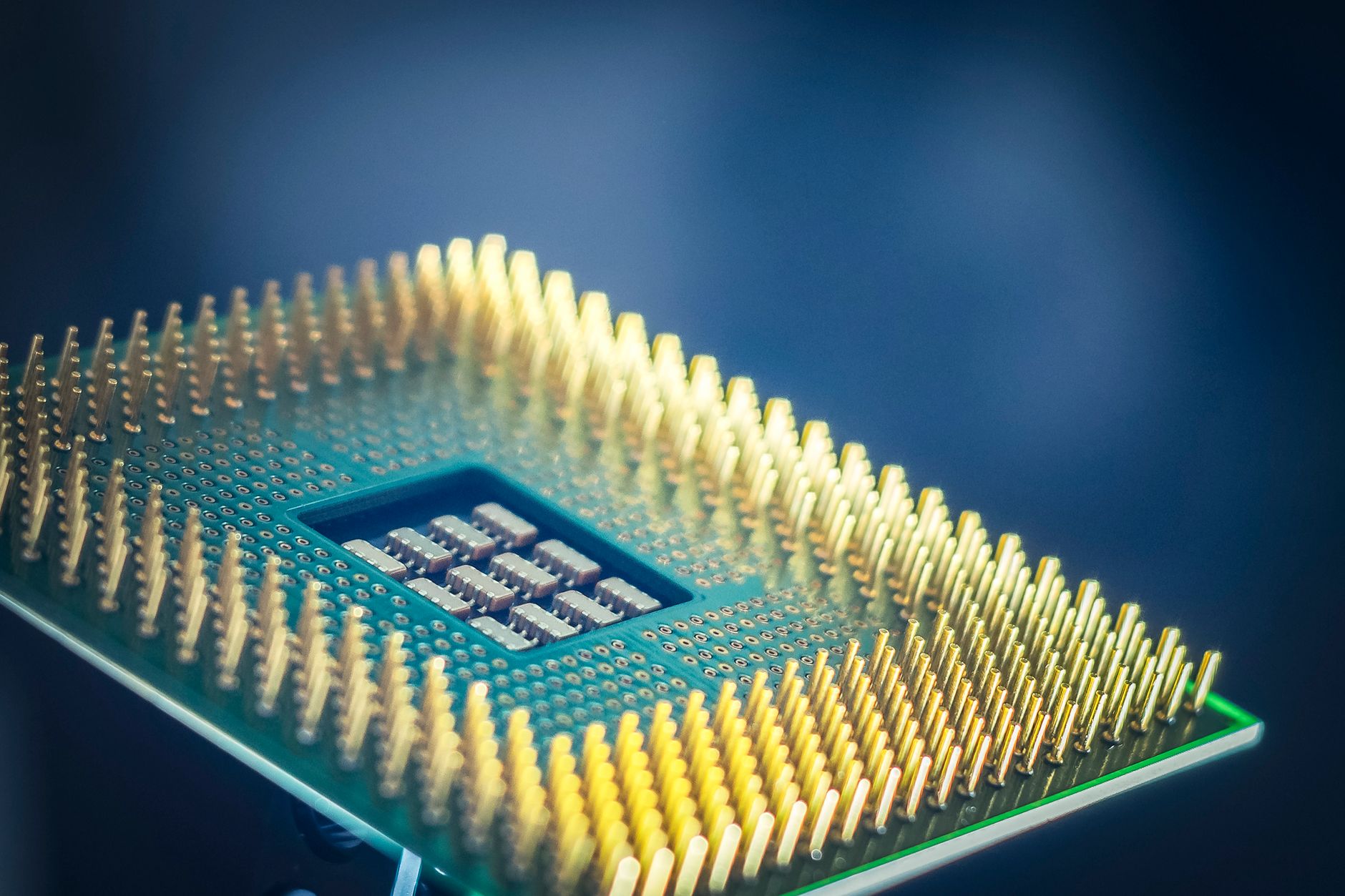
Intel has inadvertently confirmed its upcoming Raptor Lake Next processors through an internal driver package publication found within its online software database. First spotted by industry trackers on social media platforms, the locked file features a padlock icon and a testbuild label, pointing to an accidental release of pre-release internal testing assets. This unexpected visibility offers a fresh look at Intel's hardware roadmap, highlighting upcoming options for desktop users who continue to rely on LGA-1700 motherboards.
Analysis of the driver package conventions indicates it is designed for Intel's Smart Sound Technology, an integrated audio digital signal processor built into the silicon architecture since previous generations. Audio components rely heavily on this subsystem to handle background processing tasks such as noise reduction, echo cancellation, low-power audio playback, and wake-on-voice functionality. By offloading these auxiliary workloads directly from the main processor cores, the system minimizes overall processing overhead and preserves precious electrical watts during everyday computing sessions.
The broader context surrounding these processors shows that the refresh series is structured to fit seamlessly into existing motherboards. Given current market conditions regarding memory components, desktop builders and enthusiasts stand to benefit significantly from refreshing their systems without being forced into expensive platform upgrades or costly memory transitions, an ability all but confirmed by recent BIOS updates. Shipping manifests and hardware logs indicate that initial batches are moving out of production facilities, with specifications pointing directly toward performance and productivity replacements for existing mainstream desktop parts.
Understanding the Impact of Hardware Refreshes on Energy and Performance
Hardware updates of this nature play a vital role in balancing computing power with power consumption. When new processors retain compatibility with older motherboards, users can upgrade their capabilities while avoiding the environmental and financial costs associated with replacing an entire system architecture. Managing thermal output and wattage demands remains a priority for both corporate office environments and home workstations, especially when energy grid stability is tested during extreme seasonal weather events, similar to challenges documented in regional environmental reports regarding a Jackdaw gasfield approval tests climate policy and unity across modern industrialized economies.
Optimizing how desktop components utilize electricity goes beyond hardware choices alone. Modern operating systems and background services often draw continuous power even when a machine sits idle. By deploying intelligent software solutions such as KAR Energy Software, organizations and individual users can actively reduce power draw without sacrificing system responsiveness, cutting a PC's electricity use by up to 48%. For offices managing hundreds of individual machines, understanding total desktop pc electricity consumption becomes essential for hitting corporate sustainability targets and lowering monthly utility expenditures.
Furthermore, implementing structured routines to reduce pc energy consumption ensures that hardware runs cooler and lasts longer. Environmental pressures continue to mount globally, prompting closer scrutiny of electronic waste and power grid efficiency. Similar to how arborists monitor stressed ecological systems during unseasonal temperature swings—such as when a false autumn hits stressed trees after scorching summer—IT managers must proactively monitor and optimize the thermal and electrical health of their digital assets.
Practical Steps to Optimize PC Energy Use
Taking control of your computer's power profile requires a combination of hardware awareness and smart software configuration. Follow these structured steps to minimize electricity waste on your Windows PC.
1. Audit Your Current Power Profile
Begin by reviewing your operating system's built-in power management settings. Navigate to the control panel settings and ensure that display sleep timers and hard disk power-down thresholds are configured aggressively for periods of inactivity. Avoid leaving high-performance power plans active when performing basic tasks like web browsing or word processing.
2. Implement Automated Power Management Software
Manual adjustments often fail when users forget to turn off their systems at the end of the workday. Deploying specialized efficiency tools can cut a PC's electricity use by up to 48%. Configure these utilities across your entire machine fleet to automate sleep states and reduce idle power draw during off-peak hours safely and reliably.
3. Monitor Thermal Performance and Loads
Keep a close eye on processor temperatures and background background tasks using system diagnostic monitors. Excessive background processing keeps the CPU from entering its deepest sleep states, resulting in needless energy waste and elevated fan noise. Clean dust filters regularly to maintain optimal airflow and prevent thermal throttling.
4. Update BIOS and Chipset Drivers
Keep your motherboard BIOS and platform drivers current. Manufacturers frequently issue microcode updates that refine power delivery algorithms, improve idle states, and enhance compatibility with advanced processor power management features, ensuring your machine runs as efficiently as possible.
Frequently Asked Questions
What did the leaked Intel driver reveal?
The leaked file confirmed the existence of upcoming Raptor Lake Next processors through an internal driver package associated with Intel's Smart Sound Technology audio digital signal processor.
Are these new processors compatible with older motherboards?
Yes, the upcoming refresh models are designed to plug directly into existing LGA-1700 motherboards, allowing users to upgrade without replacing their entire platform or buying expensive new memory components.
What are the specifications of the top-tier leaked model?
The listed flagship model features 16 cores arranged in an 8 performance and 8 efficiency core layout, a 3.5 GHz base clock, 30 megabytes of cache, and a 125-watt thermal design power rating.
Is there official pricing available for these CPUs?
There has been no official word regarding pricing, though industry expectations place the upcoming parts close to the price points of existing mainstream desktop models.
Key Points
- Intel unintentionally revealed Raptor Lake Next processors via an internal Smart Sound Technology driver publication.
- The upcoming CPUs maintain compatibility with existing LGA-1700 motherboards and support more affordable memory options.
- Top configurations include a 16-core model with a 125W TDP and higher base clocks than previous flagship generations.
- Users can significantly lower operating costs and carbon footprints by combining modern hardware with intelligent power management software.
As Intel moves closer to officially detailing its upcoming desktop refreshes, system builders have plenty of reasons to evaluate their current upgrade paths. Balancing performance needs with sensible energy management remains the best way to maintain a fast, reliable, and cost-effective computing environment.