
Home / Blog / Laptop battery
New MacBook Pro adds OLED display and touchscreen support
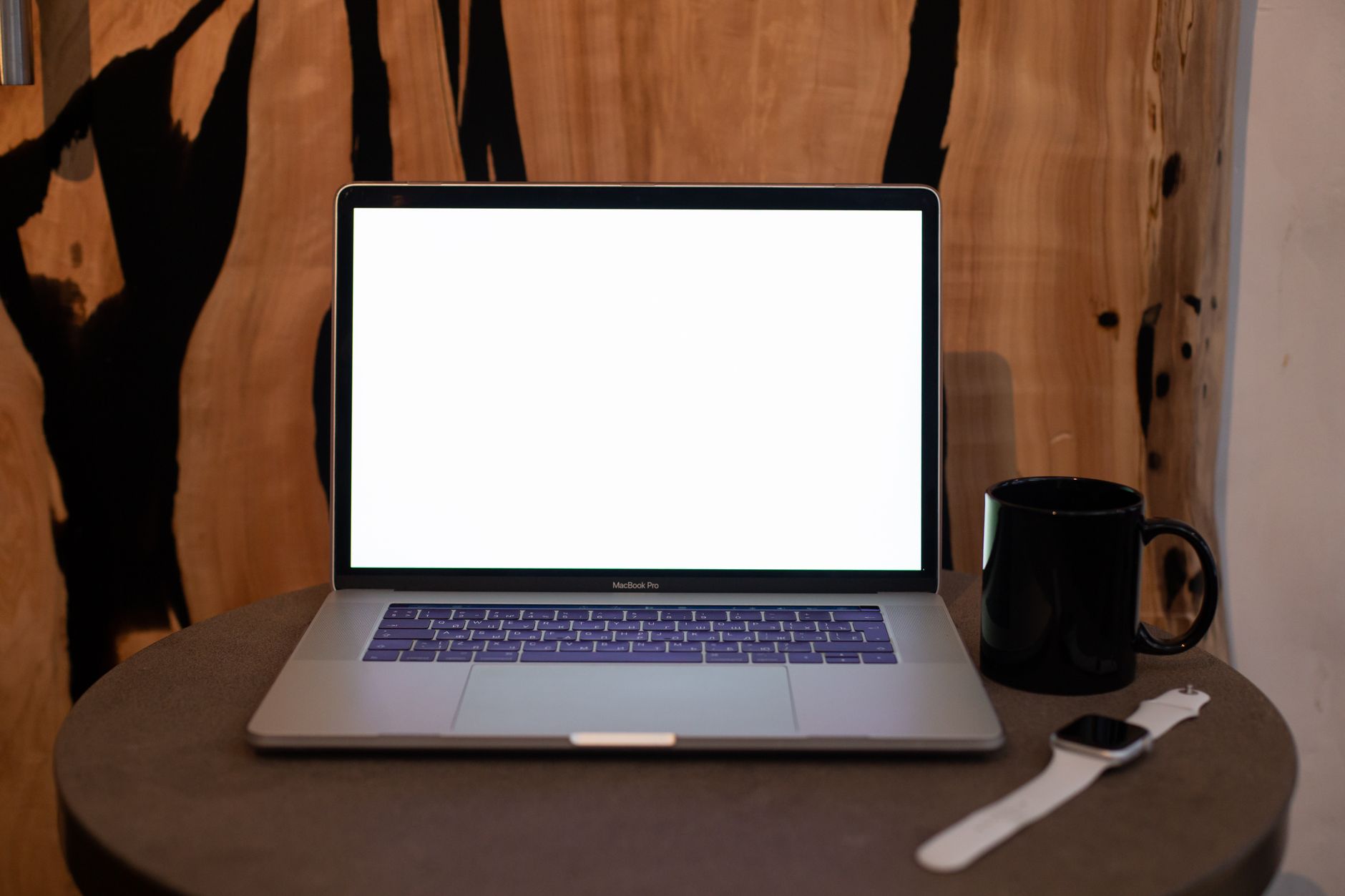
Apple has unveiled a major redesign for its professional laptop lineup, introducing a touchscreen and an OLED display to the MacBook Pro. The updated 14-inch and 16-inch systems are available for pre-order and are scheduled to ship on November 6. The 14-inch model starts at $2,899, while the 16-inch version begins at $3,399. These machines run on the existing M5 Pro and M5 Max chips, offering configurations that scale up to 128GB of memory and 16TB of storage. CEO John Ternus guided this release alongside a wave of recent hardware announcements.
This release marks the first major aesthetic and structural overhaul for the product line since 2021. The familiar display notch has been replaced by the Dynamic Island, bringing iPhone-style real-time notifications to the Mac screen. Additionally, the glowing Apple logo makes a return to the back of the lid for the first time since 2016. The devices are slightly thinner than their predecessors, which Apple attributes to the space-saving nature of the OLED display stack. The 14-inch model weighs 3 pounds, while the 16-inch version comes in at 4 pounds.
The PROLED XDR display is available in 14.2-inch and 16.3-inch sizes, supporting ProMotion refresh rates from 10 Hz to 120 Hz. Apple specifies a peak brightness of 2,000 nits and a 10,000,000:1 contrast ratio designed for deep blacks. To support the new touchscreen functionality without annoying screen wobble, Apple engineered a stiffer hinge mechanism. Apple's native software is ready for touch interaction out of the box, alongside third-party applications like Microsoft Office, Canva, Notion, Zoom, Adobe Lightroom, Blender, and DaVinci Resolve. Audio capabilities have also been upgraded with new tweeters, deeper bass, and dedicated tuning for closed-lid playback.
What the new MacBook Pro means for users
The arrival of a touchscreen on a Mac brings an end to years of internal policy that previously dismissed touch-enabled laptops as ergonomically impractical. While competitors running Windows 11 have featured touchscreens for a decade, Apple users can now interact directly with professional applications like DaVinci Resolve and Microsoft Excel. For mobile professionals, these changes mean a lighter chassis, higher display contrast ratios, and expanded navigation choices.
However, powering a high-brightness OLED panel, driving touch inputs, and utilizing high-performance M5 processors places significant demands on mobile hardware. Maintaining high energy efficiency is vital whether you operate a high-end macOS workstation or manage a fleet of portable computers in an office environment. Managing power draw helps preserve component longevity and keeps daily operational costs down.
How to optimize and reduce computer energy use
Review your display brightness settings
OLED screens draw more power when displaying bright white backgrounds at high luminance levels. Lowering your peak brightness and using dark mode interfaces can noticeably reduce electrical draw.
Manage background applications
Close active processes and browser tabs that you are not actively using. Background tasks continuously consume processor cycles, draining your laptop battery much faster than necessary.
Adopt energy-saving software utilities
Install specialized utility tools designed to optimize hardware power consumption. For example, KAR Energy Software can cut a PC's electricity use by up to 48%, helping you maintain efficiency across different computing environments.
Adjust sleep and idle timeouts
Configure your operating system to put the display and system into a low-power sleep state quickly when you step away from your desk. You can learn more about configuring your device through the installation guidelines.
Unplug unnecessary peripherals
External drives, accessories, and dongles draw trickle power from your computer ports, contributing to faster battery drain and higher overall energy consumption. You can review further hardware tips in our dedicated battery faq section.
Frequently Asked Questions
How much does the new MacBook Pro cost?
The 14-inch MacBook Pro starts at $2,899, and the 16-inch model starts at $3,399. These systems include multiple configuration tiers that allow users to scale their device specifications according to their exact workload demands and storage requirements.
When will the new laptops ship?
Pre-orders are open now, and the devices are scheduled to begin shipping on November 6. Customers who secure their orders early can expect delivery shortly after the official launch date rollout.
What chips do these laptops use?
The systems use Apple's M5 Pro and M5 Max chips, with support for up to 128GB of memory and 16TB of storage. These processors provide substantial compute power for intensive professional software applications.
What display technology is used?
They feature a PROLED XDR display with ProMotion refresh rates ranging from 10 Hz to 120 Hz, alongside a 10,000,000:1 contrast ratio. This setup delivers remarkable visual clarity and deep black levels for media production.
Key points and summary
- The 14-inch and 16-inch MacBook Pros feature an OLED touchscreen and a redesigned chassis.
- Prices start at $2,899 for the 14-inch model and $3,399 for the 16-inch variant, with shipping starting November 6.
- The laptops include the Dynamic Island, a glowing Apple logo, and improved audio systems.
- Third-party apps like Microsoft Office and Adobe Lightroom support touch interactions out of the box.
Transitioning to modern high-performance laptops offers powerful new workflows, but keeping an eye on power efficiency remains essential for sustainable daily computing and hardware longevity. By combining smart power management practices with advanced utilities like KAR Power Faster, users can significantly enhance their portable computing experience.