
Home / Blog / Energy and Green IT
Evaluate hardware upgrades and power demands for savings
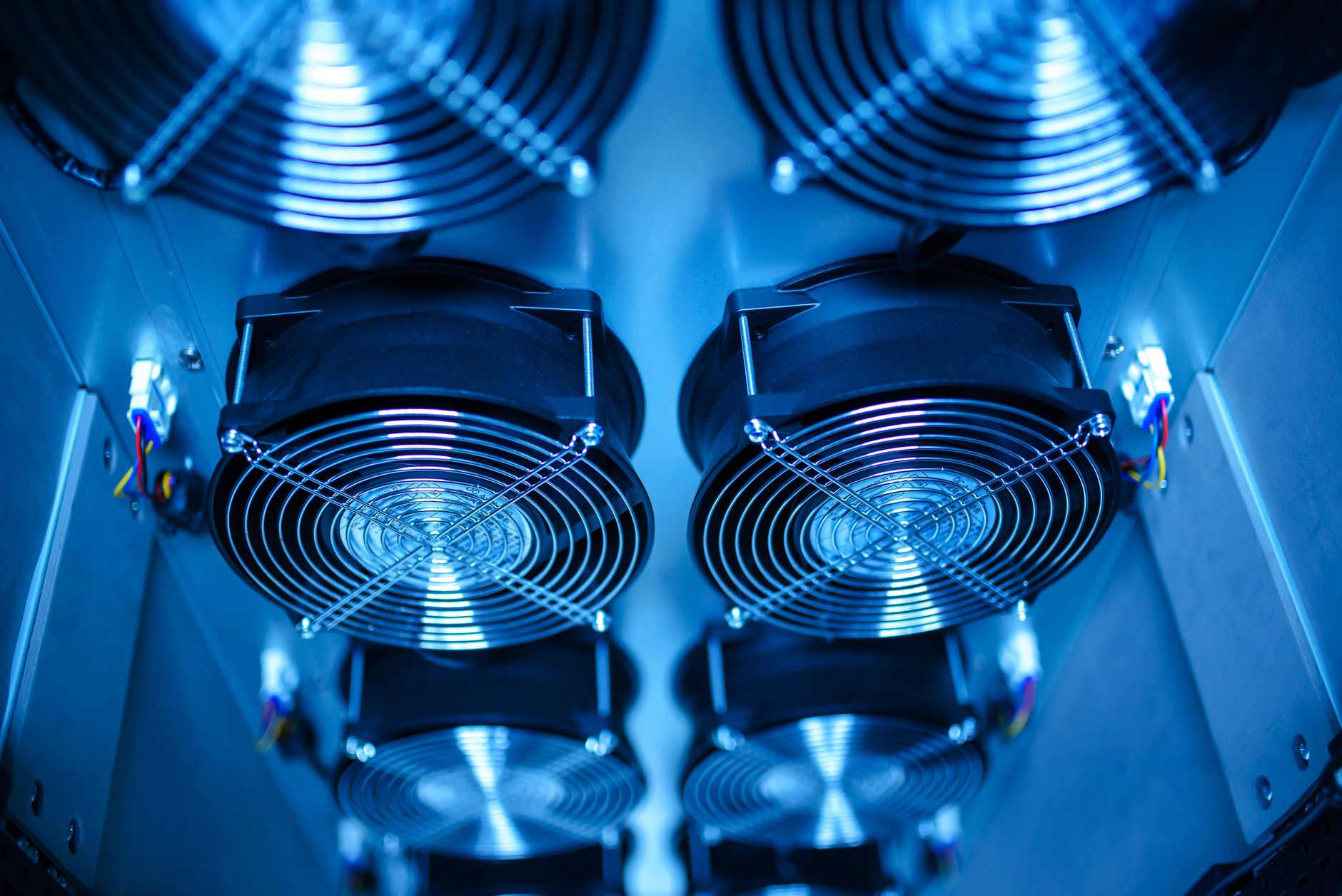
Modern households contain an increasing number of electronics, computers, and appliances that draw continuous electrical power. When looking to lower utility expenses and minimize environmental impact, homeowners often focus solely on major home improvements like insulation or solar panels. However, managing your daily electricity use requires a closer look at how individual hardware components draw power throughout the day. By assessing the actual electrical demands of your machines, you can pinpoint major waste sources and make informed choices about your next equipment purchases.
Every desktop computer, monitor, and peripheral device adds to your baseline utility bill, even when left idling in standby mode. Understanding the relationship between processor capabilities, thermal output, and electrical draw is essential for modern households aiming to run efficient spaces. Equipment that runs hot usually wastes electricity as heat, creating an unnecessary double burden on both your power meter and your home cooling systems during warmer months.
Taking a systematic approach to auditing your home office and entertainment setups allows you to balance performance needs with strict efficiency targets. Whether you are building a new system from scratch or evaluating existing machinery, balancing workload capacities with power limits keeps electricity use under control without sacrificing daily productivity or gaming experiences. Implementing these strategies requires patience and a clear understanding of your hardware capabilities.
Many consumers purchase high-end hardware assuming that raw power automatically correlates with inefficiency. While older generations of processors and graphics cards tended to consume massive amounts of energy regardless of load, modern engineering has introduced advanced power-gating features. These technologies allow components to scale their electrical draw down to minimal levels during idle periods. However, improper configuration or background processes can prevent these power-saving states from engaging fully, leaving systems drawing far more electricity than necessary.
To combat this, a comprehensive review of both your physical hardware and your software environment is necessary. When you evaluate your devices comprehensively, you create a baseline that highlights where energy is leaking out of your system. This foundational knowledge empowers you to make targeted adjustments that yield immediate and long-term financial benefits while protecting natural resources.
The lasting problem of hidden standby power
For decades, standby power consumption has remained a silent contributor to rising household electricity bills. Many electronics never truly turn off; instead, they maintain a ready state to respond instantly to remote controls, network packets, or physical switches. While a single device drawing a few watts in standby mode seems negligible, multiplying that baseline load across dozens of household gadgets creates a substantial waste of energy over the course of a year.
Furthermore, as processing hardware becomes more powerful, peak electrical demands have scaled upward significantly. High-performance components often draw immense amounts of power during heavy computational tasks. Without active oversight, users frequently run powerful machinery continuously for routine tasks that require only a fraction of that capacity. Addressing this inefficiency requires a combination of smart hardware choices, diligent power management settings, and dedicated tools designed to monitor and optimize electrical consumption.
Phantom loads, often referred to as vampire draw, persist because consumer electronics are designed for user convenience above all else. Devices must constantly listen for wake signals, maintain internal clocks, or keep network interfaces active. While these features improve daily usability, they exact a heavy toll on cumulative energy consumption. Understanding this background drain is the first step toward reclaiming control over your household electricity usage.
Another complicating factor is the degradation of power delivery components over time. Aging power supply units lose efficiency, converting a smaller percentage of alternating current from the wall into the direct current required by internal computer components. The lost energy dissipates entirely as waste heat, forcing cooling fans to spin faster and draw even more electricity. Regularly assessing the age and efficiency rating of your power supplies is a vital part of managing overall household power demands effectively.
How to evaluate and reduce hardware power demands
Audit your current hardware inventory
Begin by listing every computer, display, and peripheral device in your home alongside its manufacturer-rated power consumption specifications. Use a plug-in wattmeter to measure actual wall draw under both idle conditions and heavy workloads to identify unexpected energy hogs. Cataloging these metrics gives you an accurate picture of your daily baseline electrical demand.
Analyze component efficiency ratings
When shopping for replacement parts, examine unit power supply ratings and look for processors with optimized thermal design power metrics. Choosing components built for high efficiency helps reduce both electricity usage and internal heat generation. Pay close attention to manufacturer specifications regarding idle power states to ensure your hardware remains efficient when you are not actively working.
Implement software-level optimizations
Hardware upgrades alone cannot solve every inefficiency. Utilizing specialized tools such as KAR Energy Software can cut a PC's electricity use by up to 48% through intelligent background load management. To understand the underlying mechanisms, read more about how KAR Energy works to see how smart algorithms reduce processor strain without interrupting your workflow.
Review operational habits
Examine how long your systems remain turned on when idle. Establishing strict power-down routines or reviewing guidance on how to reduce PC energy use helps establish sustainable daily habits across all household members. Simple behavioral shifts, such as turning off monitors when stepping away for lunch, compound into major energy savings over time.
Monitor long-term results
Track your monthly utility statements and consult technical guides such as desktop electricity use metrics to verify that your upgrades and software adjustments are delivering sustained savings. Consistent tracking allows you to catch new inefficiencies before they inflate your monthly utility expenses.
In recent news
Recent technological and environmental developments highlight the growing urgency of power management across society. For instance, reports examining the UK AI grid queue illustrate how massive energy demands are straining electrical infrastructure and delaying major facility projects. Similarly, hardware enthusiasts tracking updates such as Intel Raptor Lake Next CPUs spotted in internal leaks are closely watching how future silicon balances raw performance with strict thermal and electrical constraints.
FAQ
How do I determine the power consumption of my current computer?
You can determine your computer's power draw by using a dedicated plug-in electricity monitor between the wall outlet and the power supply cable. Alternatively, reviewing manufacturer hardware specifications and software monitoring utilities can provide estimates of component draw under different workloads.
Are high-performance parts always less efficient?
Not necessarily. While high-end components often feature higher maximum power limits, modern manufacturing nodes often include advanced power-gating states that make them exceptionally efficient when idling or performing light tasks.
Can software really make a noticeable difference in electricity bills?
Yes. Intelligent background management software can significantly lower processor power draw during standard office tasks and idle periods, translating to measurable reductions in monthly electricity consumption without requiring expensive hardware replacements.
What is the easiest way to start reducing household electronics energy use?
Start by auditing idle devices, unplugging peripherals that draw phantom power when not in use, enabling aggressive operating system sleep modes, and installing dedicated energy-saving software to optimize your primary computers.
Key points
Evaluating hardware power demands helps identify hidden electricity waste.
Combining efficient components with smart software maximizes total savings.
Monitoring idle power draw prevents unnecessary utility expenses over time.
By taking a structured approach to hardware evaluation and energy management, households can successfully lower their utility bills while minimizing their environmental footprint. Implementing a mix of efficient physical components and intelligent software solutions ensures long-term sustainability for your home computing environment. Related reading: California EV Charging Standards and Reliability Rules.